Fixing the first ten minutes of a smart home device
How analytics and in-home testing turned a setup flow that lost half its users into one that kept four in five.
Executive summary
5 min read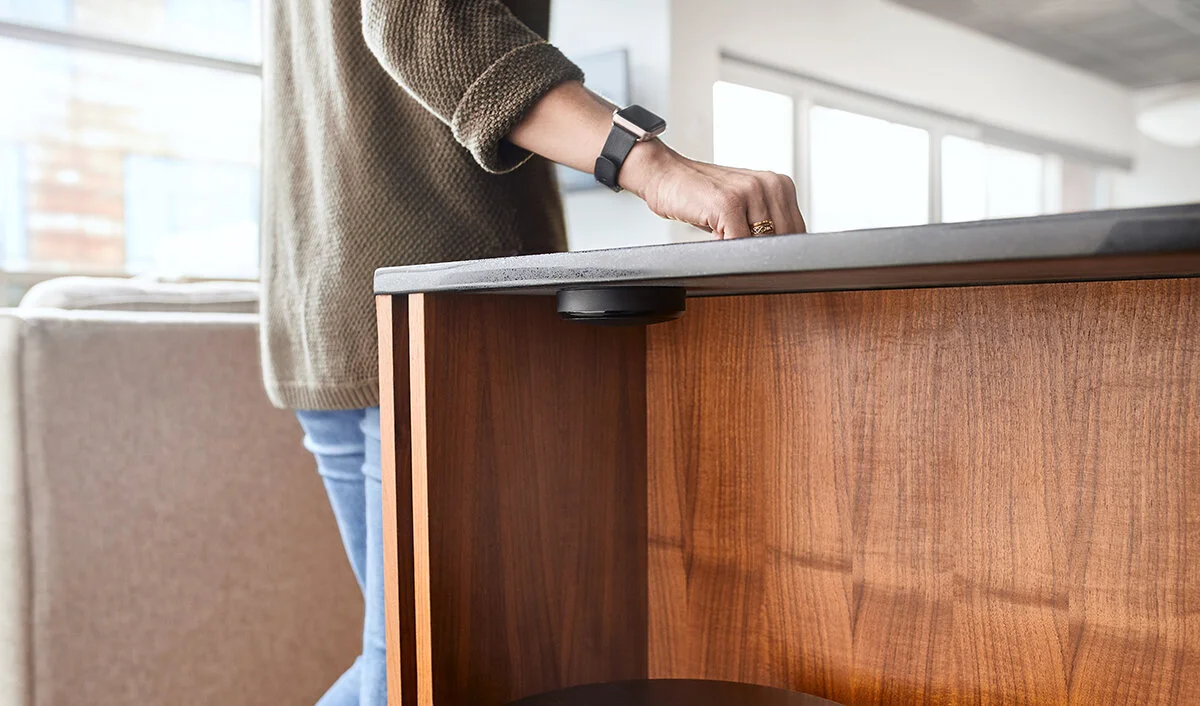
Half our users quit before their first knock
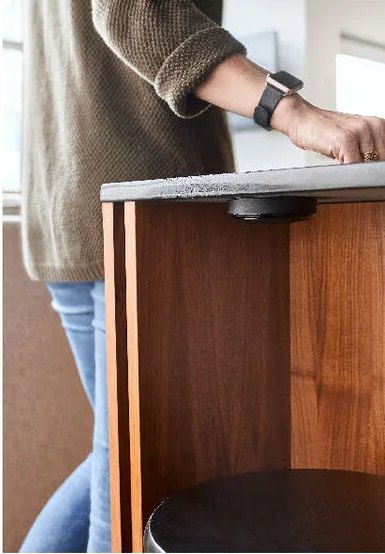
Knocki turns any surface into a remote: tap a pattern and it triggers your smart home. After we stood up our Mixpanel dashboard, we saw a drop-off once a user started the provisioning flow to set up their first device.
The starting point
Our (small but mighty) team
Six steps from the box to a first gesture
We pulled a month-long sample to find the largest areas of opportunity: every step from opening the box to triggering a first gesture.
- 01Complete location & mounting
- 02Enter serial number
- 03Connect the Knocki
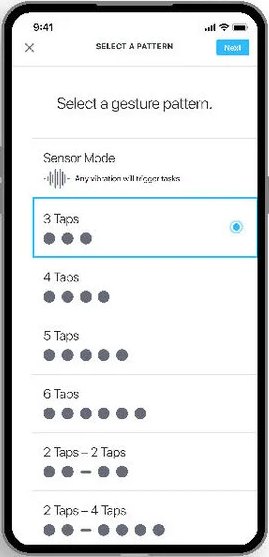
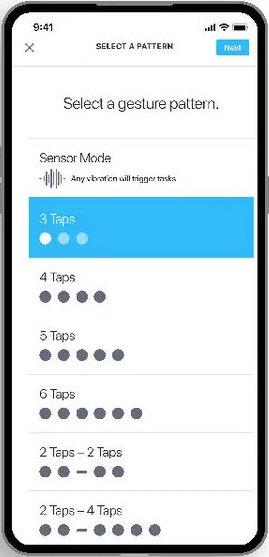
- 04Add a gesture
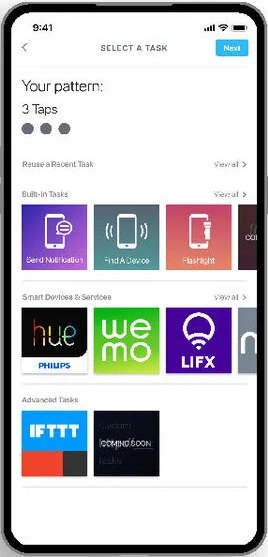
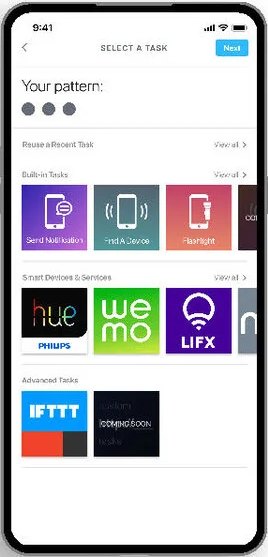
- 05Add a task
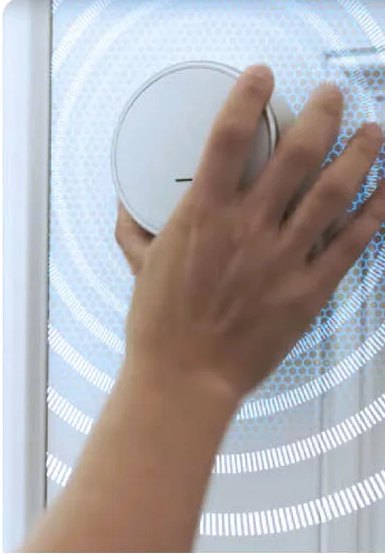
- 06Trigger a gesture
A month's sample: 130 users, 68% iOS, 32% Android
User testing in an office that happens to be a house
Six participants in a moderated study: self-declared early adopters who already owned at least one smart home device.
- 6/6had trouble connecting to the Wi-Fi
- 5/6were booted back to the very beginning when Wi-Fi failed
- 4/6struggled to open the packaging
- 4/6struggled with the technical language
- 3/6mounted it, then had to take it off the wall to connect it
“Wait, there are screws in here? Where?”
“WHAT? I have to start all over? Yeah… I wouldn't do that. I'd hand it to my daughter to deal with.”
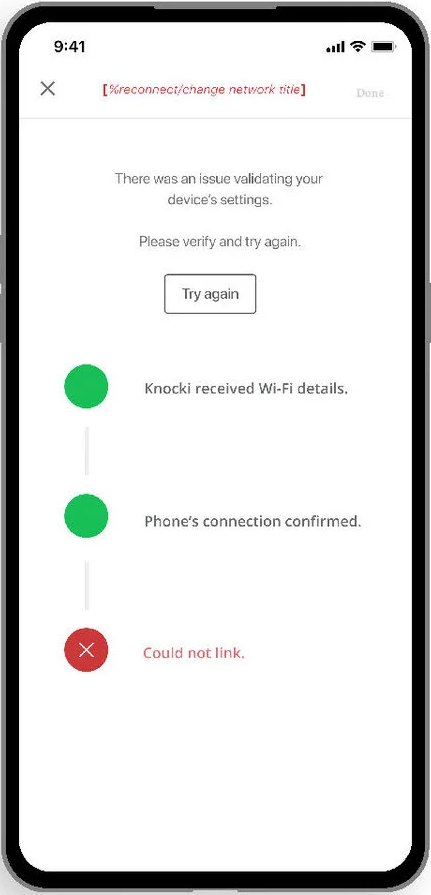
“Okay, it's telling me there was an issue validating my device and to verify it but I have no idea what that means or how to ‘verify’ it.”
“Honestly that was a battle. I think I would just leave it and deal with it on another day.”
“Am I able to change this [the location] later? What if I want to move it?”
“I have to perform the hard reset button but it doesn't tell me how or where that is.”
Connect first, mount later
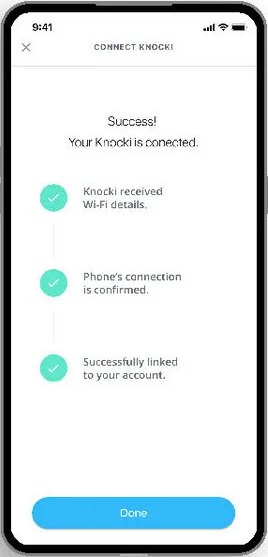
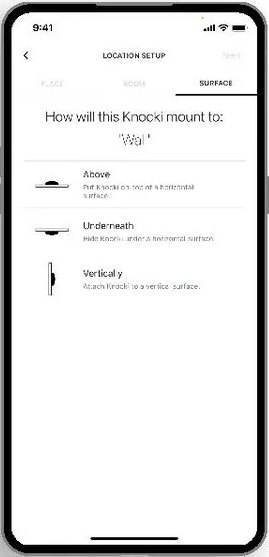
Failures were costly because of the order. Moving connection before mounting meant a Wi-Fi problem never sent anyone back to the wall, and picking a location stopped feeling like a commitment.
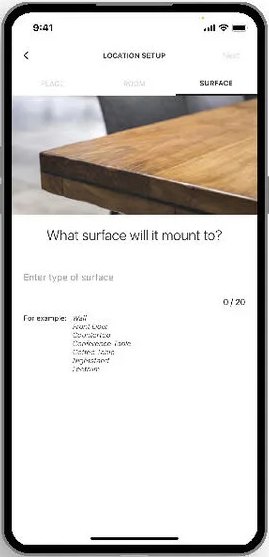
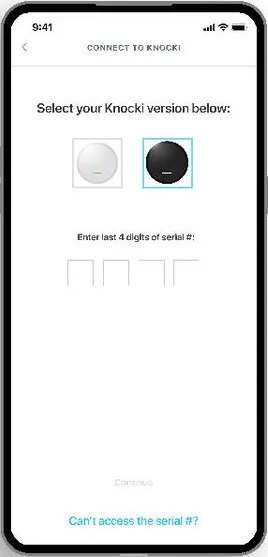
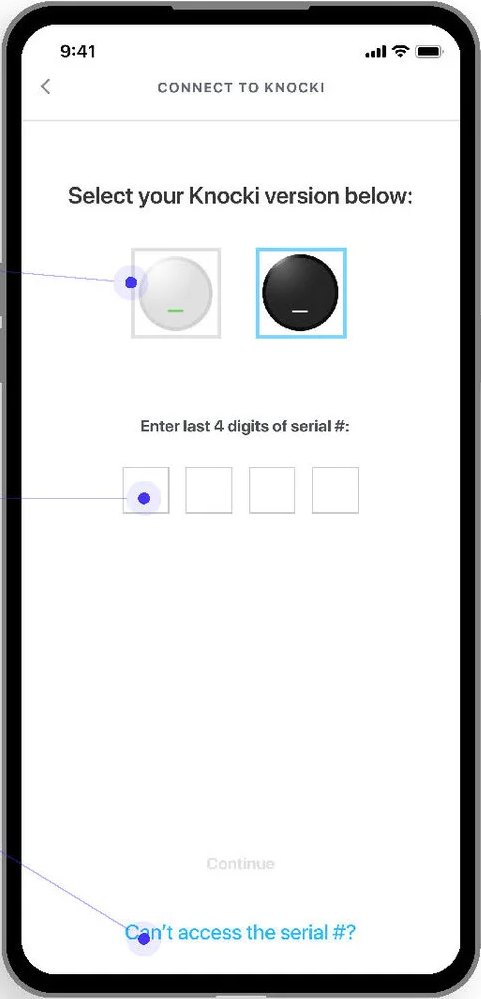
- No instructions on where to find the serial number
- Unclear why you had to pick your Knocki's color
- Four tiny boxes: tap, type, tap the next one
- The help link led to a paragraph of text
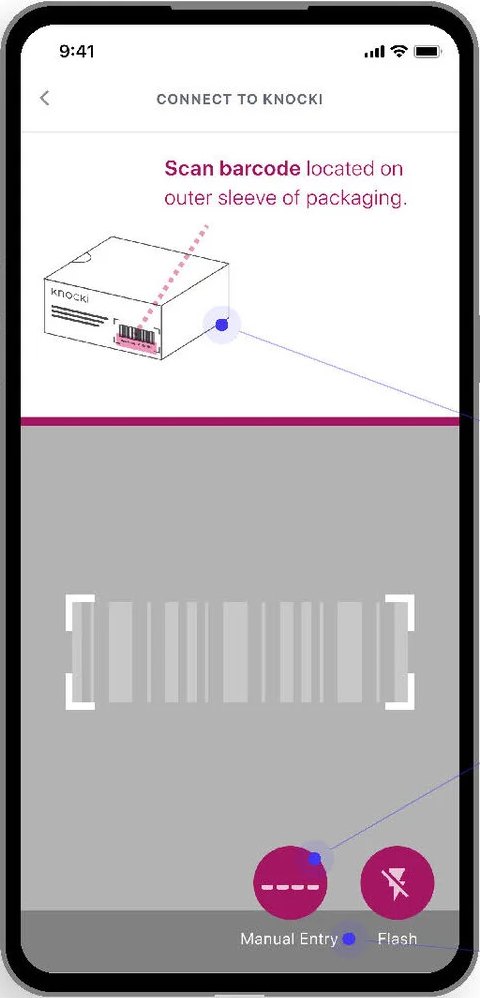
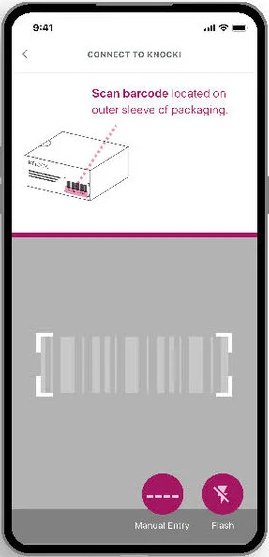
- An engineer suggested just scanning the barcode, which carries the serial
- Diagrams show where it is: the packaging, or under the third battery
- Manual entry stays as a fallback
- A minimum type size, systematized throughout
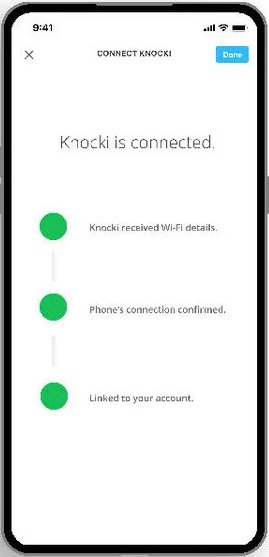
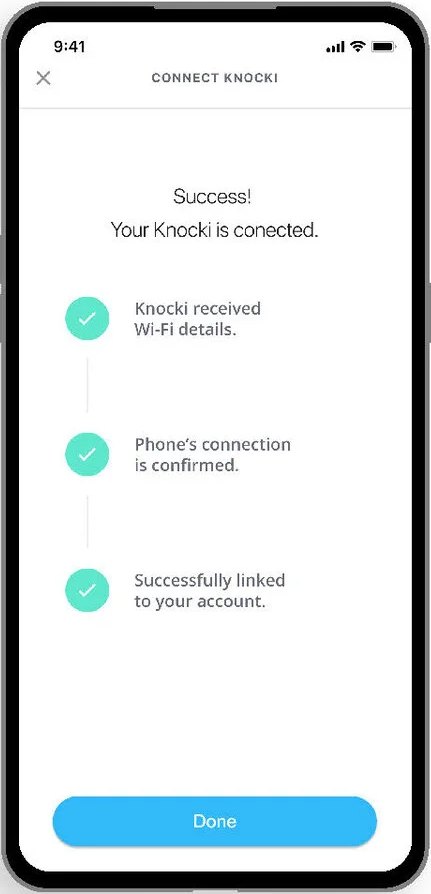
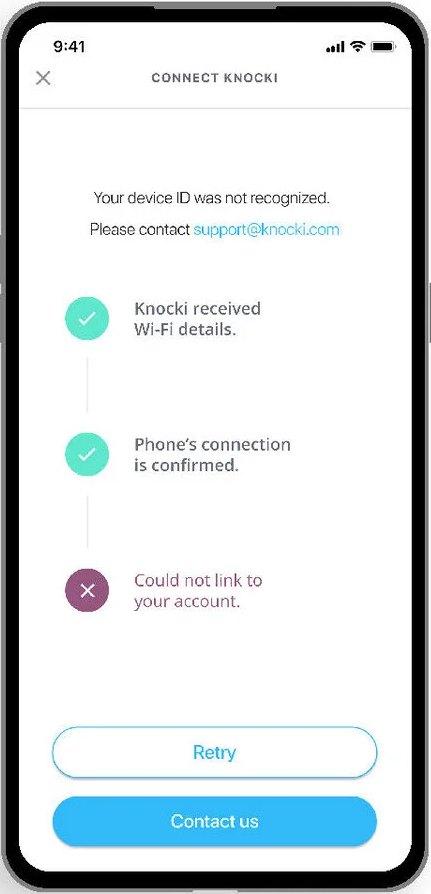
Tell people what happened, then what to do
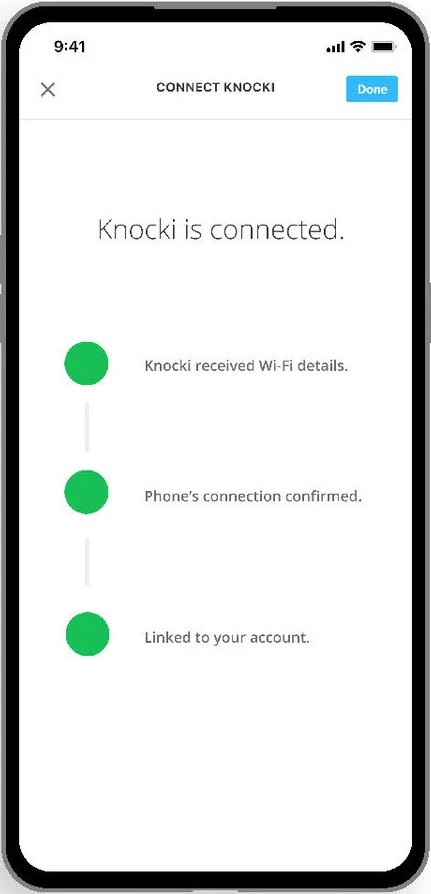
Clear connection states, and a troubleshooting path that ends with a way to reach support if it still fails.
Videos instead of diagrams
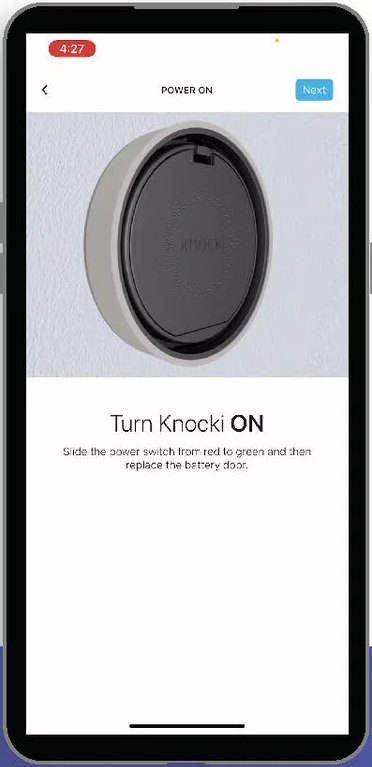
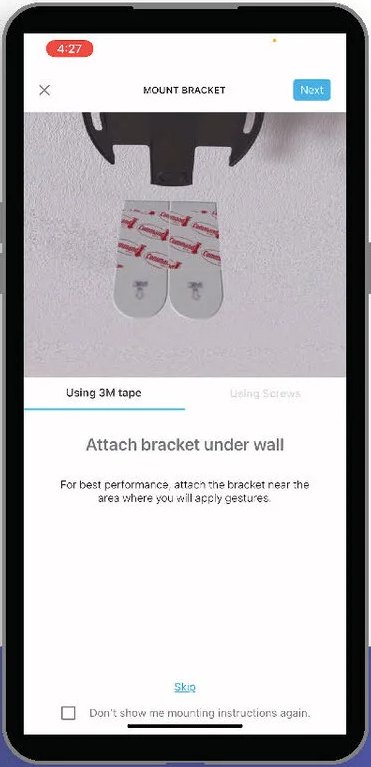
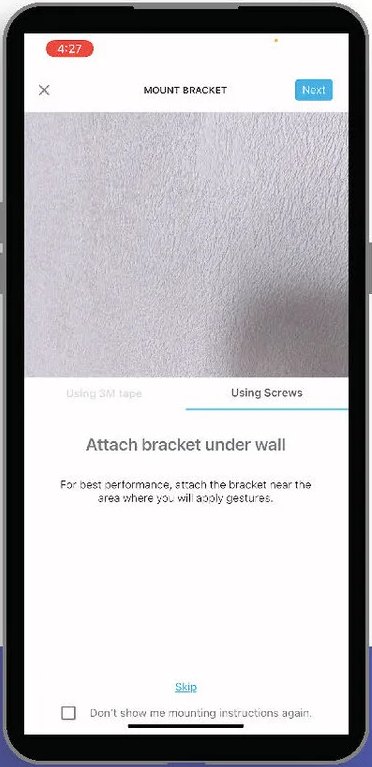
Short looping videos for each mounting step, with skip logic to cut extra screens.
Every number beat its goal
The change was significant, though something still happens between setting up and the first trigger.
What I'd address next
Improve the Wi-Fi connection flow itself.
Automate steps with contextual clues, or shortcuts like repeat task packages.
Move step buttons within thumb reach.
Track where people pause on a screen, not just where they leave.