Building the Schwab Assistant, from labs to launch
A conversational AI that helps clients reach their financial goals, and the research, patterns and design system that made its answers usable.
Executive summary
7 min readAssistant metrics as of March 2023; monthly users from LinkedIn.
A financial assistant for people who'd rather do it themselves
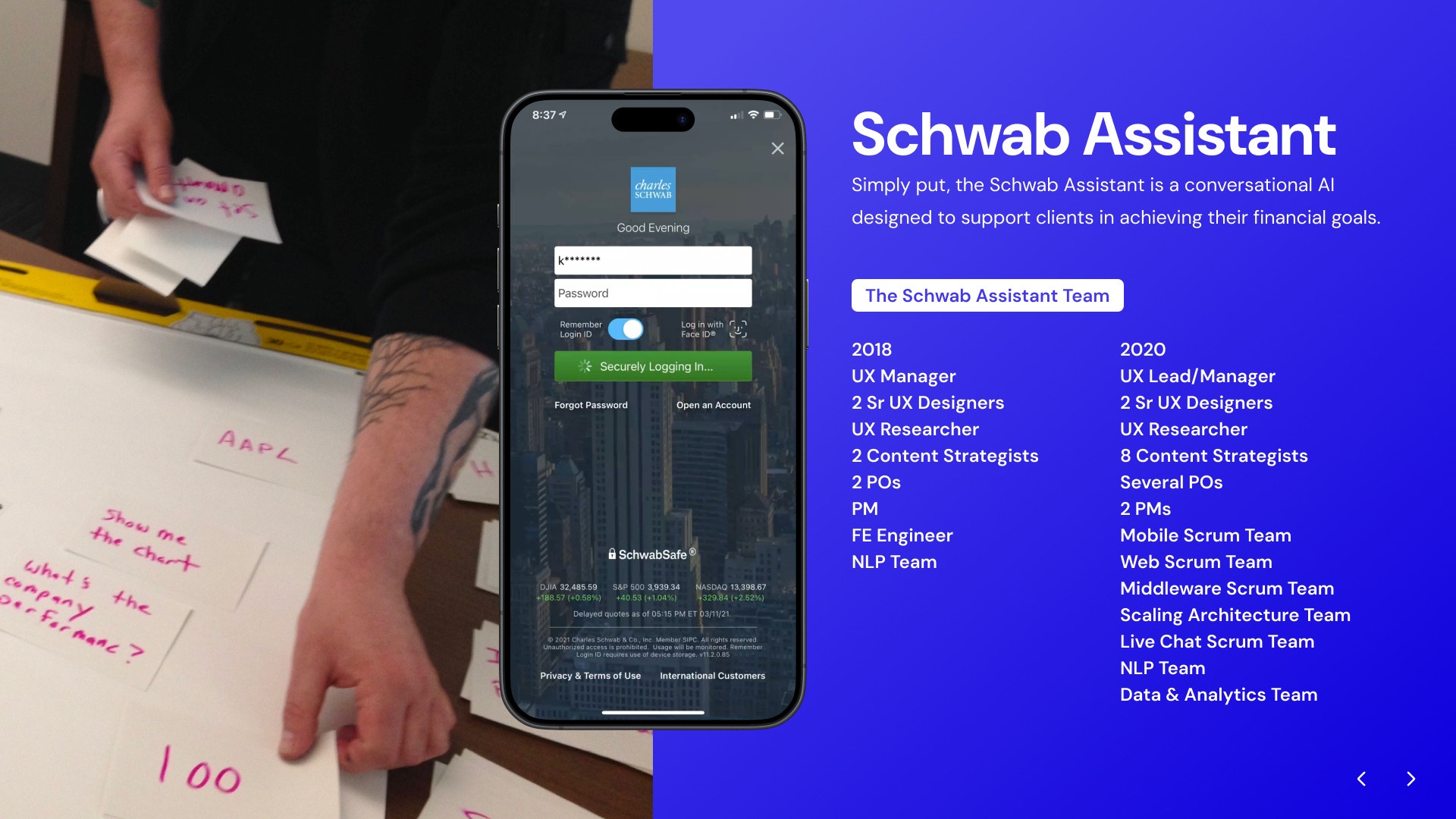
Simply put, the Schwab Assistant is a conversational AI designed to support clients in achieving their financial goals. Our users were self-directed investors.
Our user
The assistant, as of March 2023
A paragraph of numbers is technically an answer
Early testing showed a pattern: the more data an answer held, the less useful it became as text. So the study focused on rich responses.
“Have you ever asked Alexa what something means and she starts rambling off a wiki page and you just want to scream STOP? Reading this paragraph on a daily basis would be like that.”
The questions
How much data do we show so it's easy to digest, while leaving a path to dig further?
How do we validate this and apply it in a scalable way, including on the backend?
How do we show partners the value of visual answers in a conversational agent?
From sketches to a system
- 01DiscoveryFrom user testing
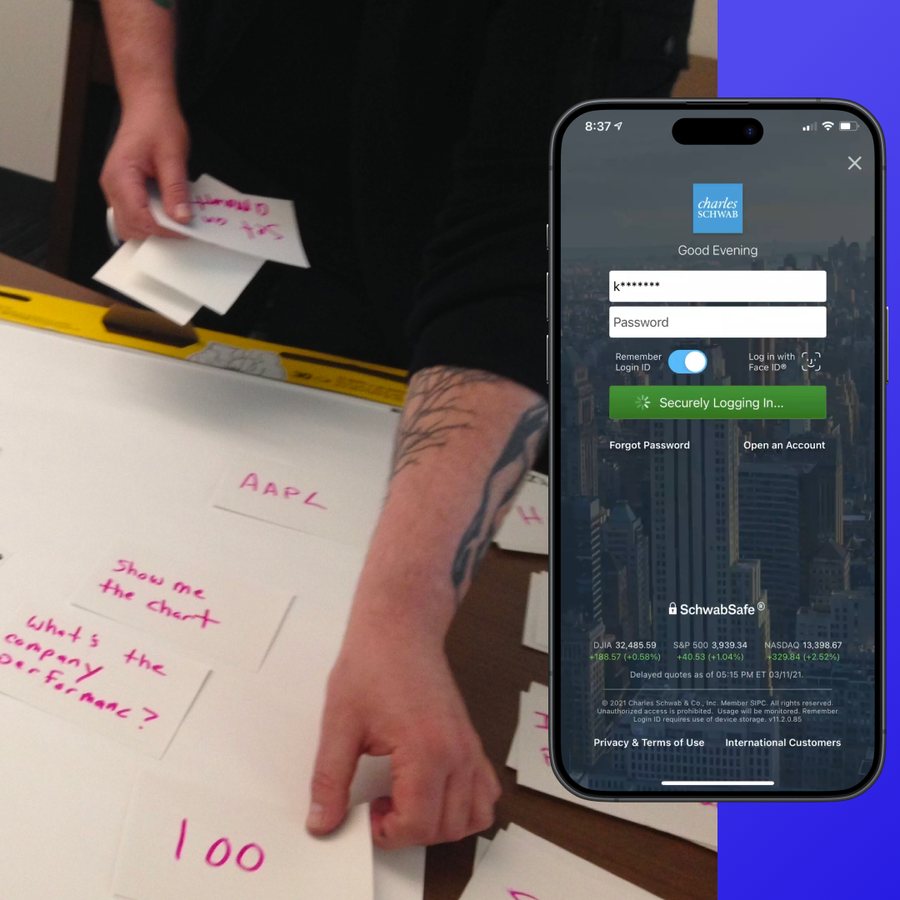
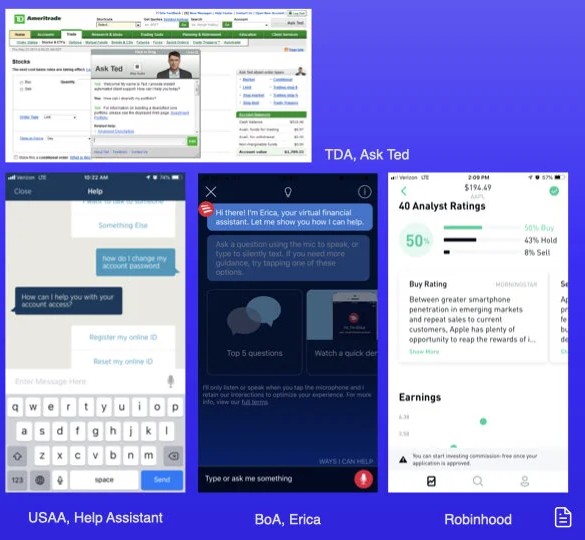
- 02ResearchIndustry & competitive
- 03Study 1Partitioning information
- 04Iterate
- 05Study 2The accounts flow
- 06ShareFindings and scaling approaches, with partners
Break it up, and five of six succeed
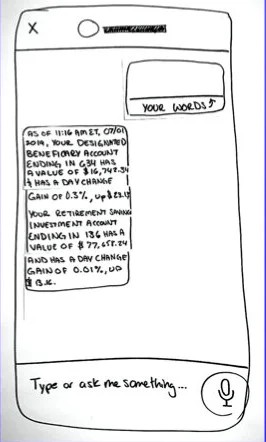
We tested the same account answer two ways in a moderated study.
What are my balances?
As of 11:16 AM ET, 07/01/2019, your Designated Beneficiary account ending in 634 has a value of $16,748.34 and has a day change gain of 0.3%, up $23.13. Your Retirement Savings Investment account ending in 136 has a value of $77,658.24 and has a day change gain of 0.01%, up $13.16.
What are my balances?
Here are your accounts as of 11:16 AM ET, 07/01/2019.
…634 Designated Beneficiary
- Value
- $16,748.34
- Day change
- +0.3% $23.13
…136 Retirement Savings Investment
- Value
- $77,658.24
- Day change
- +0.01% $13.16
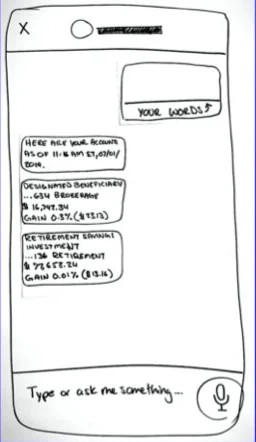
People recognize accounts by name and balance
“I know which account is which by the amount.”
“It's that one because it's my only brokerage account.”
“Yes, the one named ‘Jan and Pete’, that's how I know it's our joint account.”
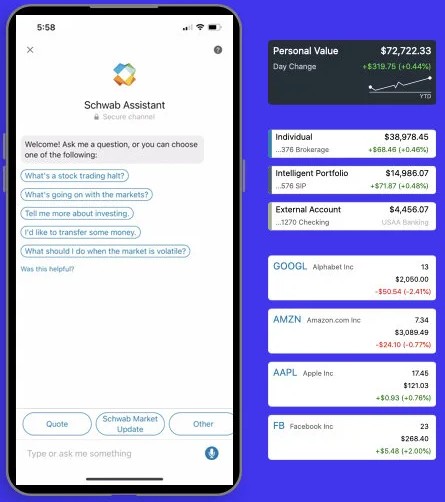
Five principles for rich responses
We took the findings to product and development partners, along with what the platform needed to support them: a pipe symbol in the CMS to split bubbles, clean APIs for every channel, data viz on screens, and voice-only versions for screen readers.
Partition responses when appropriate.
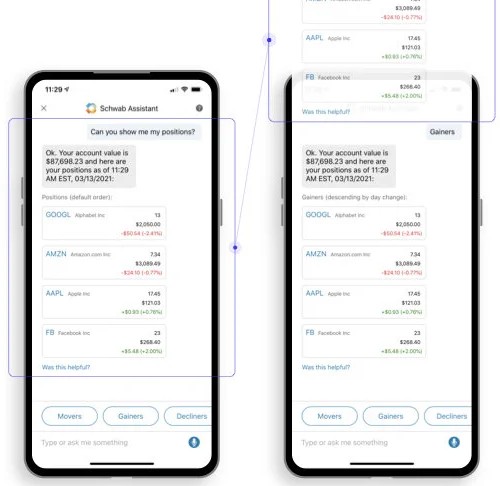
If more than 3 data points are presented, it needs a visual component.
There is an intuition to engage with the response to dig deeper.
Done right, rich intents can be reused in multiple task flows.
When a client selects an account, include the name, type and balance.
No dead ends. Clean the screen.
We ran 4 moderated studies in 2019, my first year, and 10 in 2020, testing the principles and turn logic, not just features. Nearly all of the turn logic came from things we saw again and again in testing.
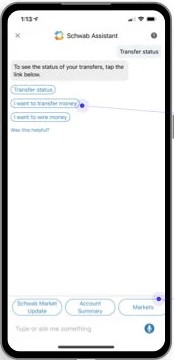
- Tied to the turn: trigger another intent, deep link in the app, open a CMS asset, place a call, start an email, or automate slot-filling.
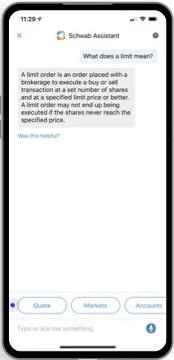
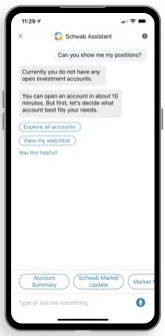
- No dead ends: every turn of the conversation leaves next steps. Prompts can be contextually analogous, relevant to the intent, or a default set.
“I don't know why I keep hitting the ‘X’… I guess maybe I thought it would refresh it or just clear all of this out.”
In a voice interface, the logic is the design
With replicating language at scale comes organization through systemization. We built the Conversational Design System so the team could onboard faster, communicate out, and stay aligned as we grew. Every feature shipped with a designer package covering voice, mobile, web, watch and car.
Conversational Design System
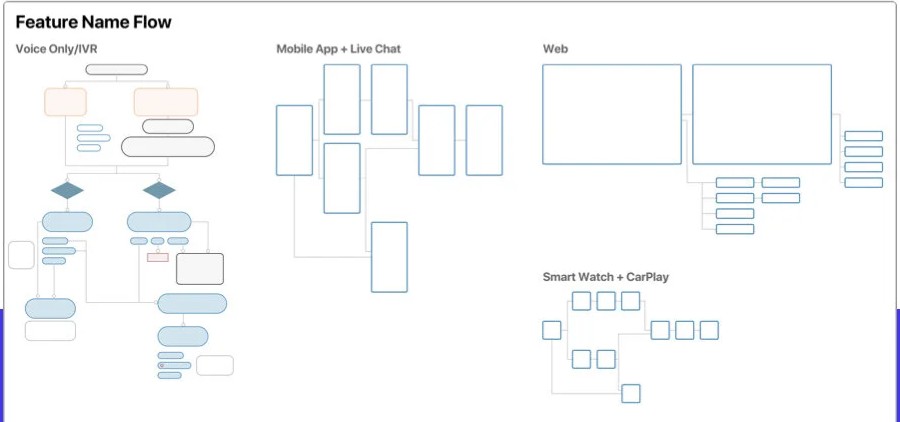
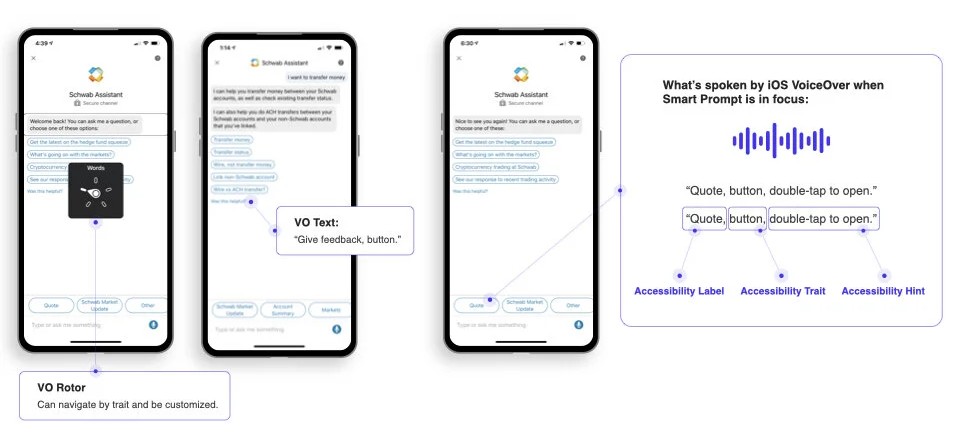
“In a voice interface the underlying logic and documentation IS the design.”
Rich answers carried the most-used intents
Voice is the most efficient input. A screen is still the most efficient output.
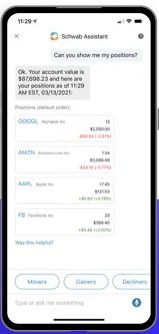

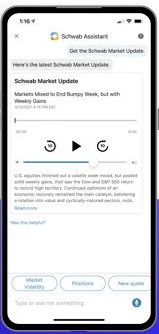
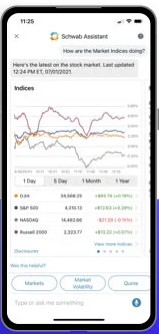
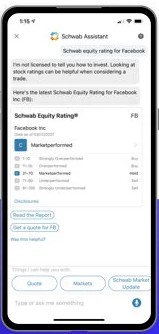
Intent traffic rankings since July 2020, out of 758 intents
How it helps the client
Consistency across channels means less friction and cognitive load, whatever channel they're on.
A formal way to turn client needs into principles.
Components in one place, so a fix like an accessibility pattern reaches clients quickly.
An established way of working makes it easier to onboard and scale.
Advisors got their answer on the first call
I also co-led a multi-team project on digital recommendations that streamlined advisor workflows. It was recognized with an Excellence in Equity Award.